Choose your image
Select a photo, illustration or other image you have permission to print.
Turn one image into a large poster you can print on A4 or Letter paper and assemble at home.
Choose an image to see your poster here.
Print at Actual Size / 100%. Turn off Fit to page. Preview zoom does not change the PDF.
Use your home printer to make a poster larger than a single sheet.
Select a photo, illustration or other image you have permission to print.
Choose your paper, finished size and overlap. Check the sheet layout in the preview.
Download the PDF, print at 100%, then follow the page labels and guides to join the sheets.
Explore example posters and start with their paper and size settings.
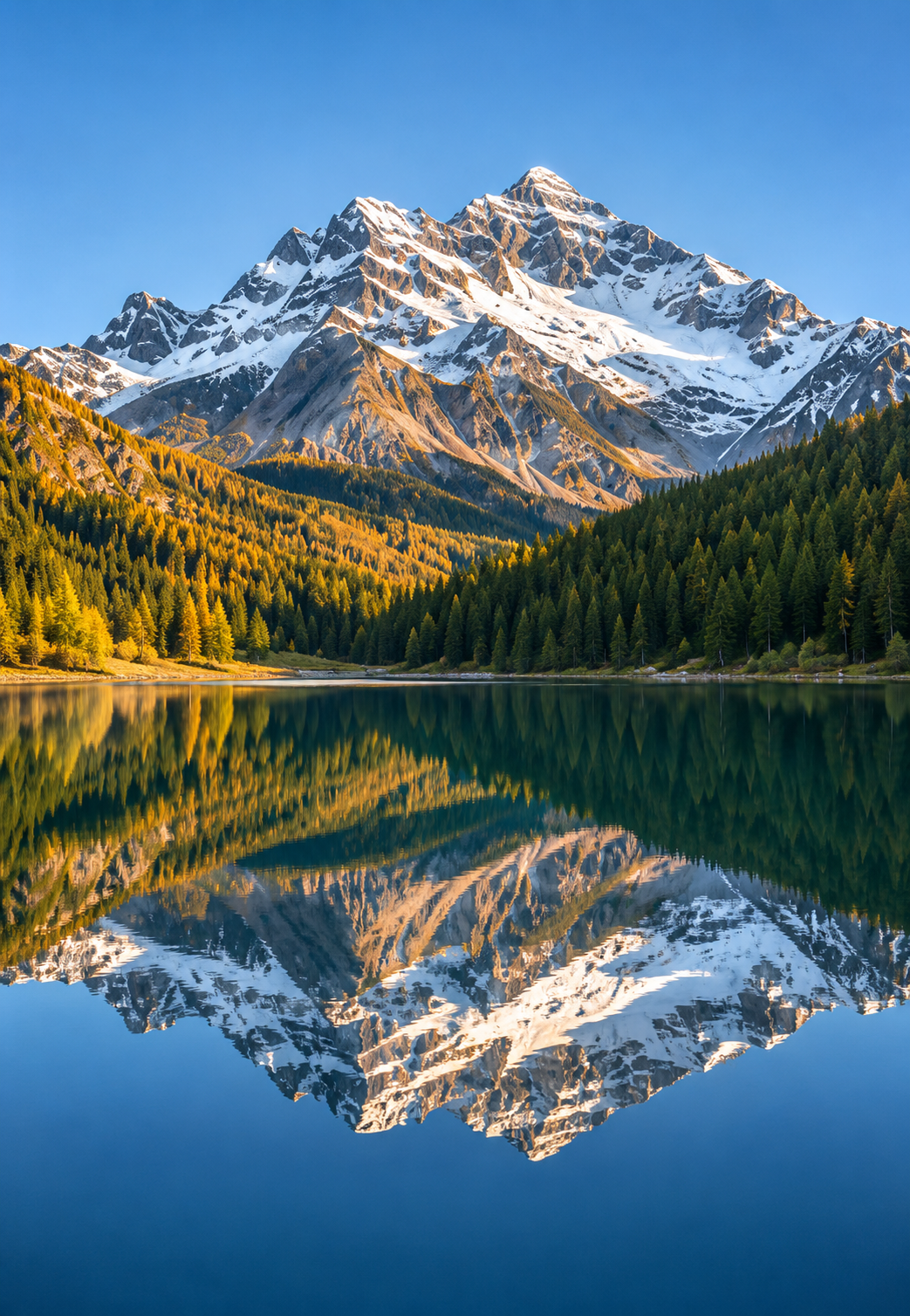 2 × 2 sheets
4 sheets · A4 Generated example artwork
Try This Poster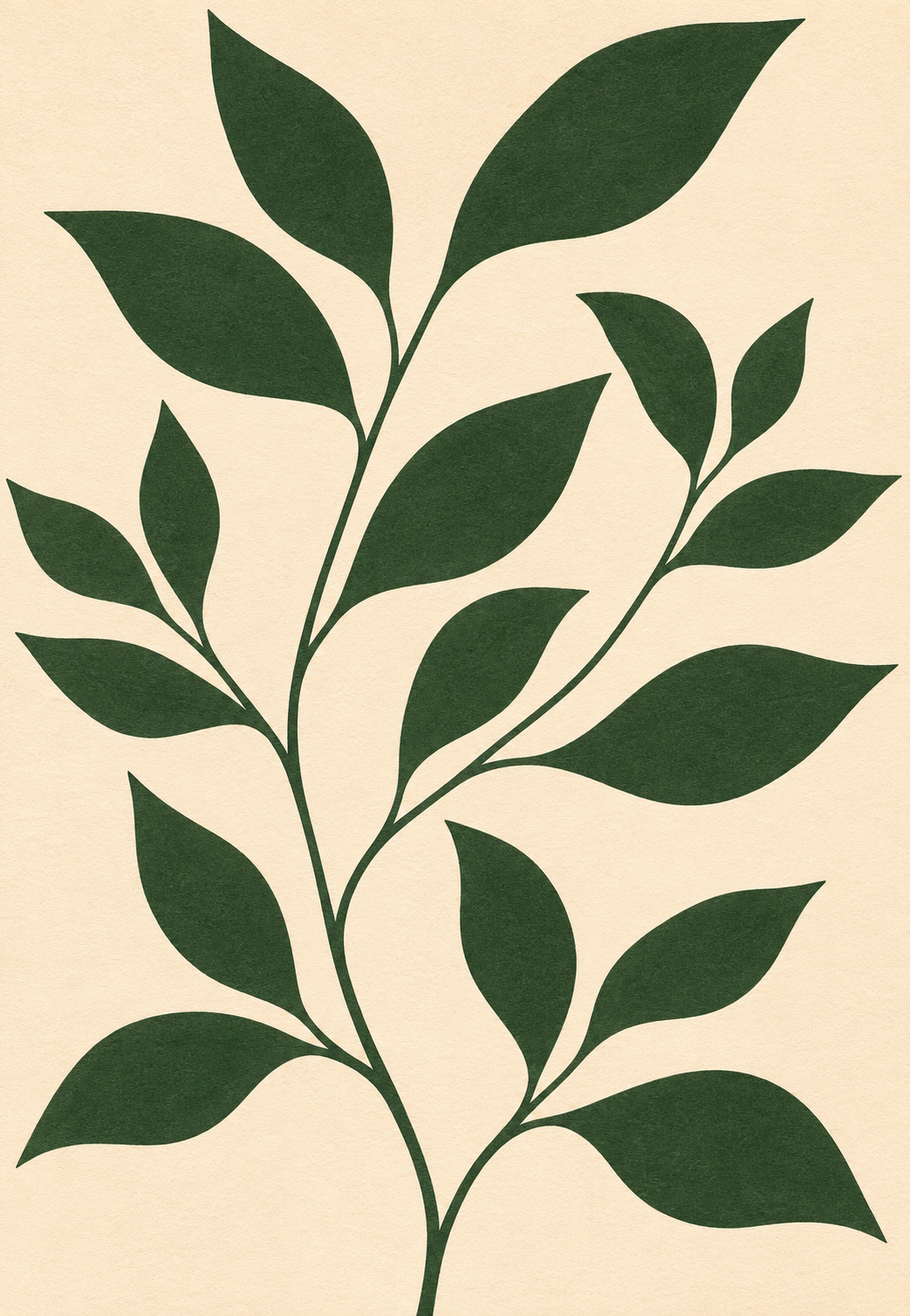 2 × 3 sheets
6 sheets · A4 Generated example artwork
Try This Poster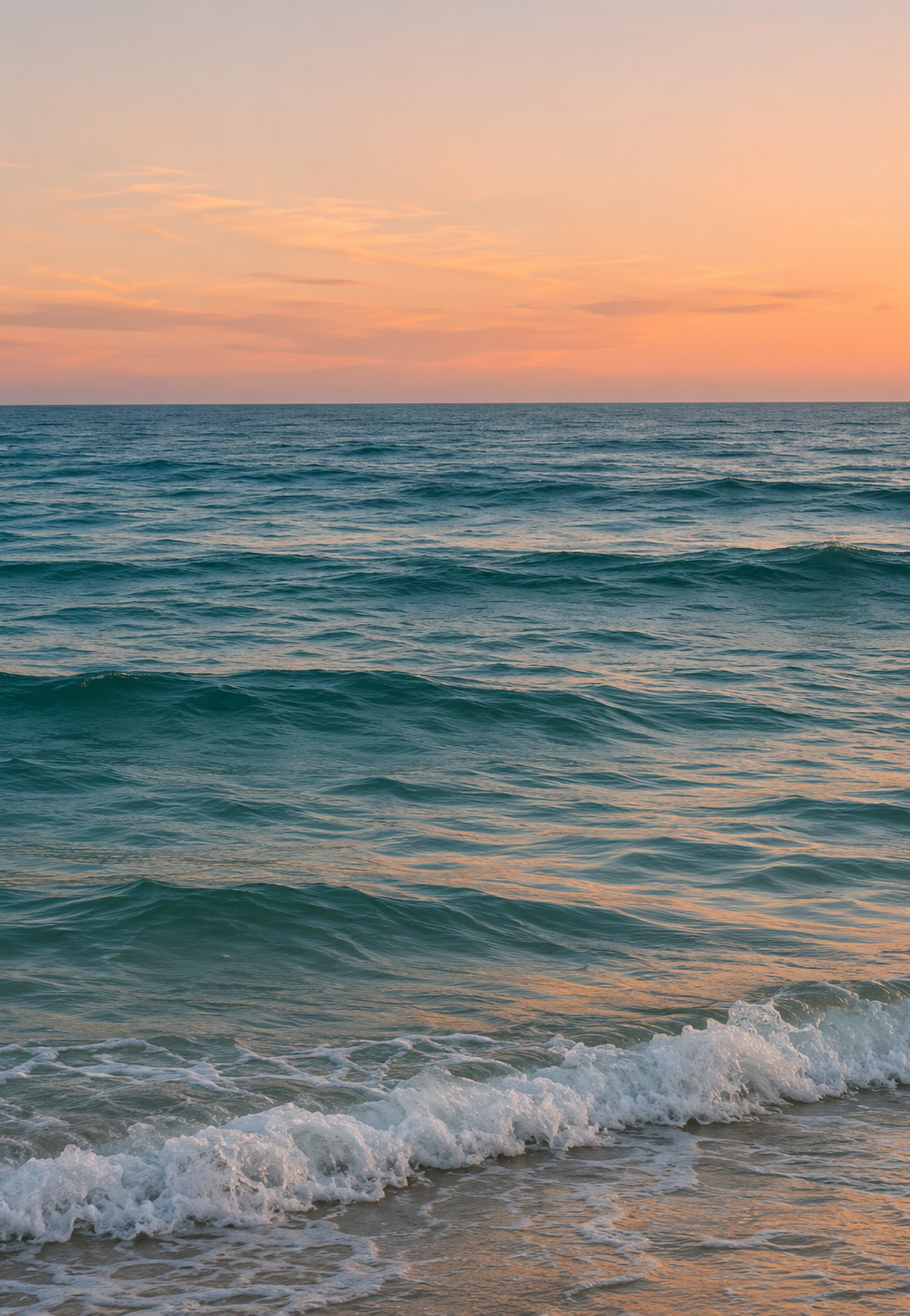 3 × 2 sheets
6 sheets · A4 Generated example artwork
Try This Poster 2 × 2 sheets
4 sheets · A4 Generated example artwork
Try This PosterSee how paper size, margins and overlap affect the finished dimensions and number of sheets. Start with measurements or a sheet layout—no image needed.
Open Poster Size CalculatorMatch the printer's paper size to your PDF. Select Actual Size / 100% and turn off Fit to page.
Print the calibration page first and measure the scale. If it does not match, adjust your print settings before printing the whole poster.
Follow the guides for setup, image quality and assembly.
Turn one image into a poster made from ordinary printer paper.
Split a single picture over A4 or US Letter sheets without changing its proportions.
A correct PDF still needs the correct printer settings.
Use the assembly map, page labels and repeated image edges to line up your print.
The same pixels cover a larger physical area when you enlarge an image.
Yes. Basic poster PDF exports are free and will stay free. There is no watermark and no account requirement.
No. You can select an image, set up your poster and download an ordinary poster PDF without signing up.
Not in the free browser-based tool. Your selected image is processed locally. Optional website analytics are separate and are explained in our Privacy Policy. Read the Privacy Policy
You can use A4 or US Letter paper in portrait or landscape orientation. Choose the same paper size in the tool and in your printer settings.
Yes. Enter the finished width and height, or choose how many sheets to use. Fit keeps the whole image with possible blank space; Fill fills the poster and may crop image edges.
A larger poster spreads the same image pixels over a bigger area. Try a smaller size or a higher-resolution source image. The estimated PPI helps you judge the setup; it does not guarantee print quality.
Use Actual Size / 100% and turn off Fit to page. Match the paper size to the PDF and print the calibration page first to check the scale.
Use the assembly map and page labels to arrange the sheets. Follow the trim and overlap guides to align the image, then secure the joins. The assembly guide explains the layout.
Choose an image and plan your poster.
Back to your poster Free poster PDF. No watermark. No sign-up.